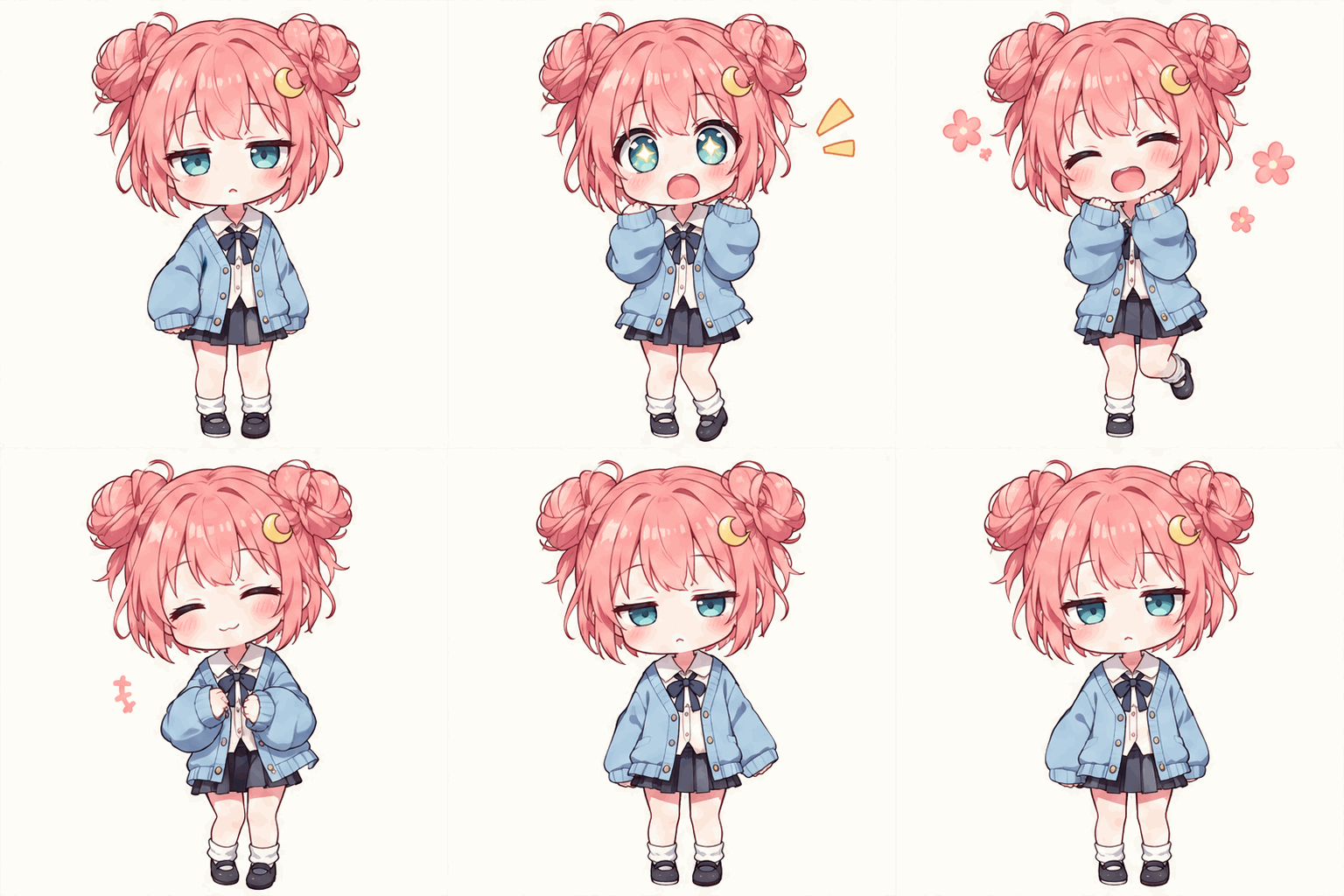
What is text to GIF?
This AI text to GIF generator creates animated scenes from written descriptions. Try a waving character, a pixel-art reaction, or a looping illustration. Here, “text” means an instruction to AI, rather than lettering added to an existing GIF.
Explore text and image creation options and more animation examples with our AI GIF Generator.
Real text to GIF results
Three text-only prompts, three visual styles. Open the original prompt to reuse the setup, motion, and caption instructions.
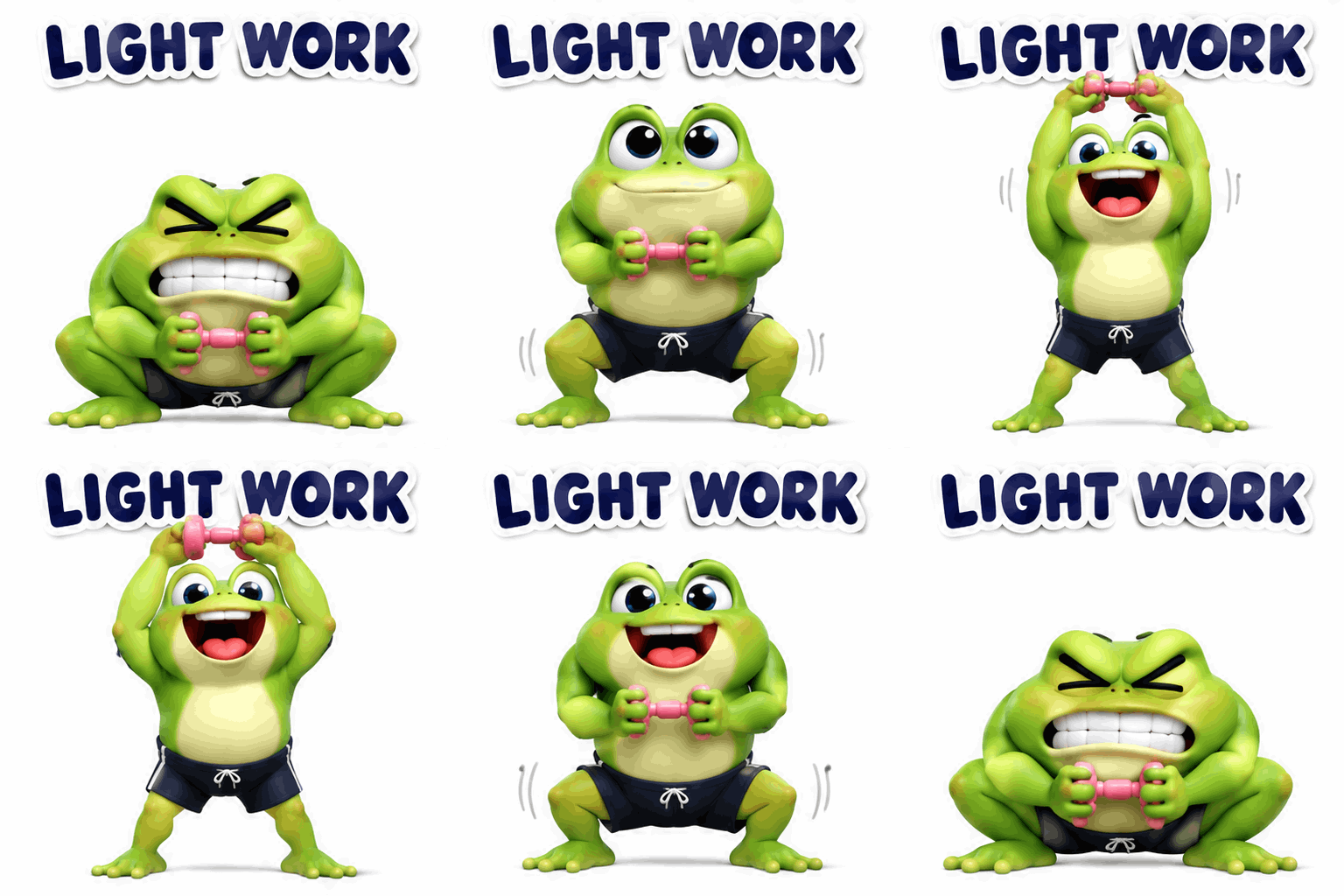
LIGHT WORK — tiny weight, huge effort
Deep squat → overhead lift → squat. The tiny dumbbell makes the frog’s huge effort look absurd.
Actual output
- Style
- 3D cartoon
- Requested ratio
- 1:1
- Requested resolution
- 1K
- Actual output
- 512 × 512
- File size
- 734.4 KB
- Duration / frames
- 2.56s · 16 frames
Prompt
An original chubby lime-green 3D cartoon frog with big expressive eyes, tiny navy gym shorts, exactly two arms and two legs, and one ridiculously tiny pink dumbbell. ONE BIG ACTION: holding the tiny dumbbell in BOTH hands, start in a very deep wide-legged squat, body compressed almost flat and face straining. Pause. Then drive upward into a very tall full-body stretch with BOTH arms fully extended OVERHEAD, proudly lifting the tiny dumbbell high. Hold the triumphant overhead pose with a huge grin. Slowly lower BOTH hands and return to the exact deep squat. Show a very clear LOW-to-HIGH-to-LOW movement, at least half the canvas height. Do not replace the overhead lift with a side biceps curl. Joke: huge dramatic effort for a tiny weight. Soft 3D sticker look, light squash and rebound, natural follow-through, stable face and limb count, no extra props. Caption exactly "LIGHT WORK" fixed at the top, bold rounded dark-navy English letters with thick white outline, unchanged across all frames. Keep the raised dumbbell below the caption. Square 1:1, pure white background, fixed camera, centered full body with plenty of space above for both extended arms. About 2–3 seconds, infinite loop returning to the same compressed opening pose. Output a real animated multi-frame GIF.
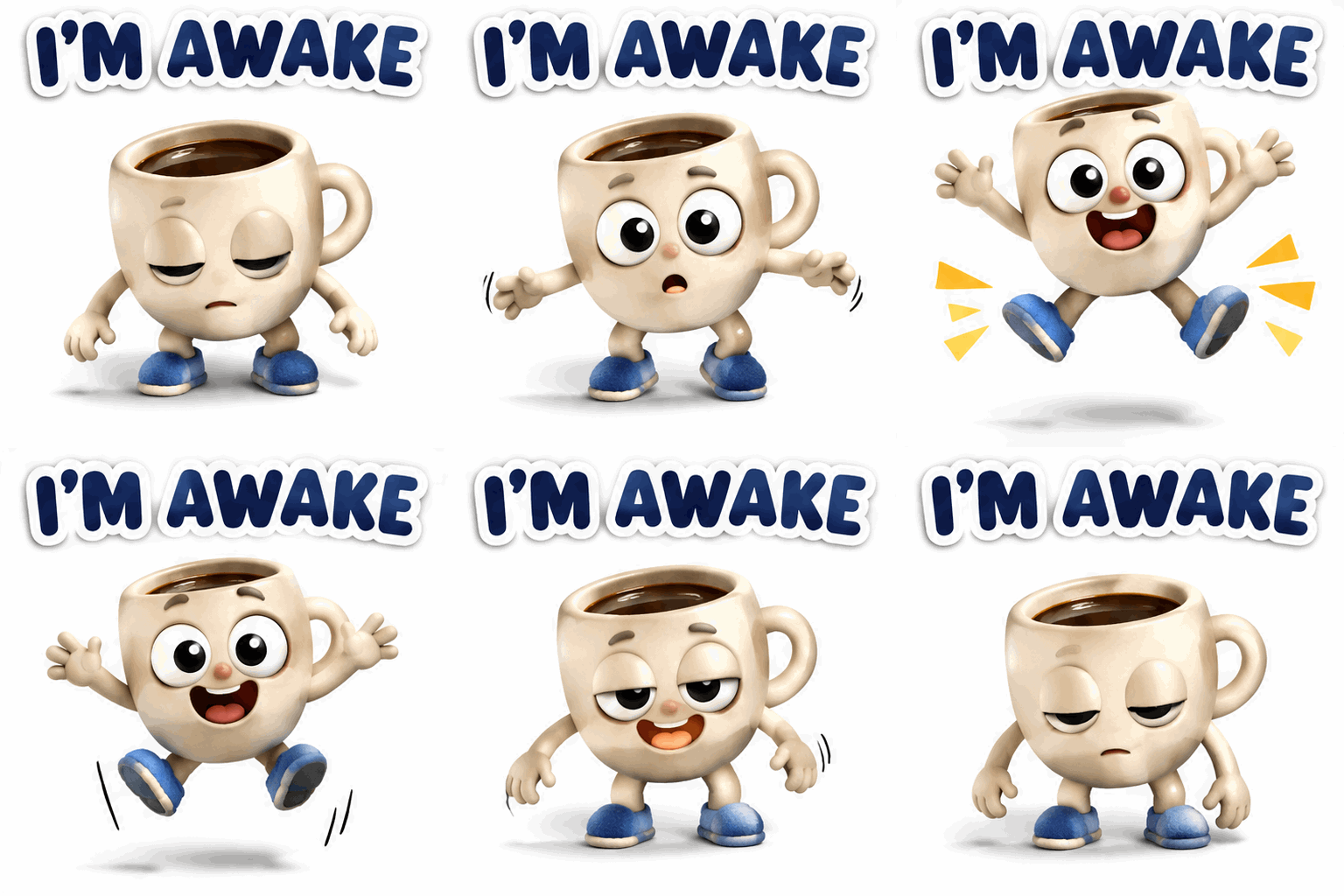
I’M AWAKE — instant caffeine confidence
Sleepy slump → star jump → soft landing. The sudden wide-eyed leap delivers the caffeine joke.
Actual output
- Style
- Clay cartoon
- Requested ratio
- 1:1
- Requested resolution
- 1K
- Actual output
- 512 × 512
- File size
- 848.3 KB
- Duration / frames
- 2.56s · 16 frames
Prompt
An original small cream-colored clay coffee mug character with sleepy half-closed eyes, tiny blue slippers, exactly two simple arms and two legs. Soft handmade clay texture. No human, frog or other character. Core joke: claiming to be awake while dramatically overreacting to caffeine. Begin slumped low, eyes almost shut. Pause, then suddenly snap the eyes comically wide and launch the whole mug upward in one huge star-shaped jump, arms and feet spread, with a wild alert grin. Keep the brown coffee safely inside the mug with no spills. Hold the ridiculous energized pose for a beat, land with a deep soft squash, then gently settle into the original sleepy slump. One readable gag, exaggerated sleepy-to-wired contrast, natural body follow-through, consistent mug shape, face and limb count. Caption: exactly "I'M AWAKE" at the top in uppercase English, bold rounded lettering, dark navy fill and thick white outline. Keep all letters and their position stable across every frame; character never overlaps the caption. Square 1:1, pure white background, fixed camera, full subject centered with ample margin for the jump. Approximately 2–3 seconds, natural infinite loop. Deliver a real playable multi-frame GIF.
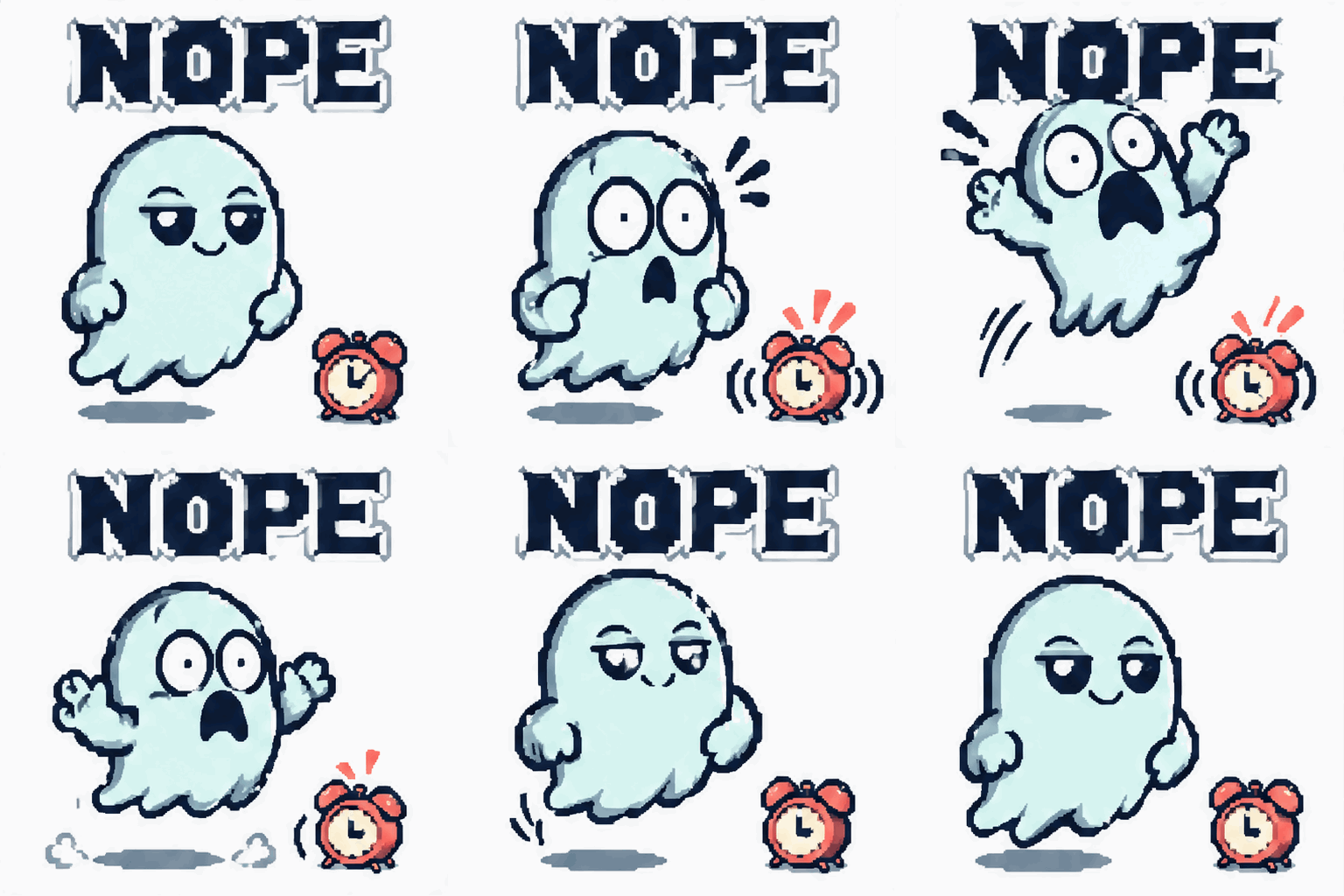
NOPE — a ghost scared of an alarm
Smug float → panic leap → recovery. A tiny alarm clock triggers a much bigger reaction.
Actual output
- Style
- Pixel art
- Requested ratio
- 1:1
- Requested resolution
- 1K
- Actual output
- 512 × 512
- File size
- 877.6 KB
- Duration / frames
- 2.56s · 16 frames
Prompt
An original cute mint-blue pixel-art ghost with tiny mitten hands, large expressive dark eyes and a wavy lower edge. Crisp deliberately chunky pixels, limited mint, navy and coral palette, no blur or 3D shading. One prop: a tiny coral alarm clock on the floor beside it. Core joke: a supposedly scary ghost is terrified of a tiny alarm. Begin floating upright with a smug grin. The clock gives one small ring and shake; the ghost freezes wide-eyed for a comic beat, then recoils with a huge squash and stretch, jumping diagonally upward and backward while its hands fly up in exaggerated panic. Keep the entire ghost in frame. Hold the startled pose, drift back down with a springy rebound, recover the smug grin, and return exactly to the opening position while the clock stops. One action, clear cause and effect, consistent character silhouette, face and prop. Caption: exactly "NOPE" fixed at the top in large uppercase blocky pixel lettering, dark navy with a thick white outline. Keep the text perfectly stable and separate from the character throughout. Square 1:1, pure white background, fixed camera, centered subject with generous safe margins for the whole leap. Approximately 2–3 seconds, natural infinite loop. Deliver a real animated multi-frame GIF.
Output dimensions, timing, and file sizes shown here are measured from the downloaded GIFs.