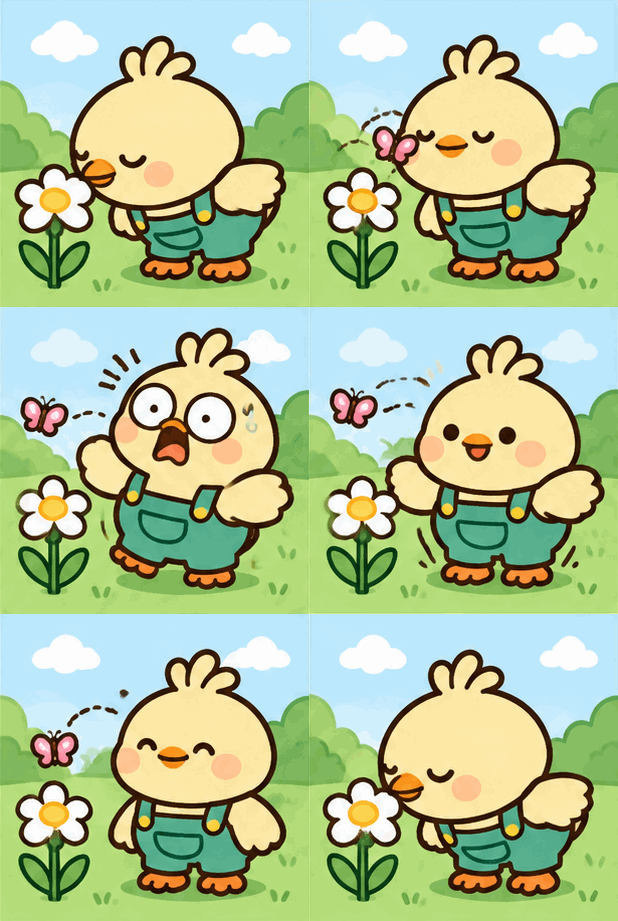
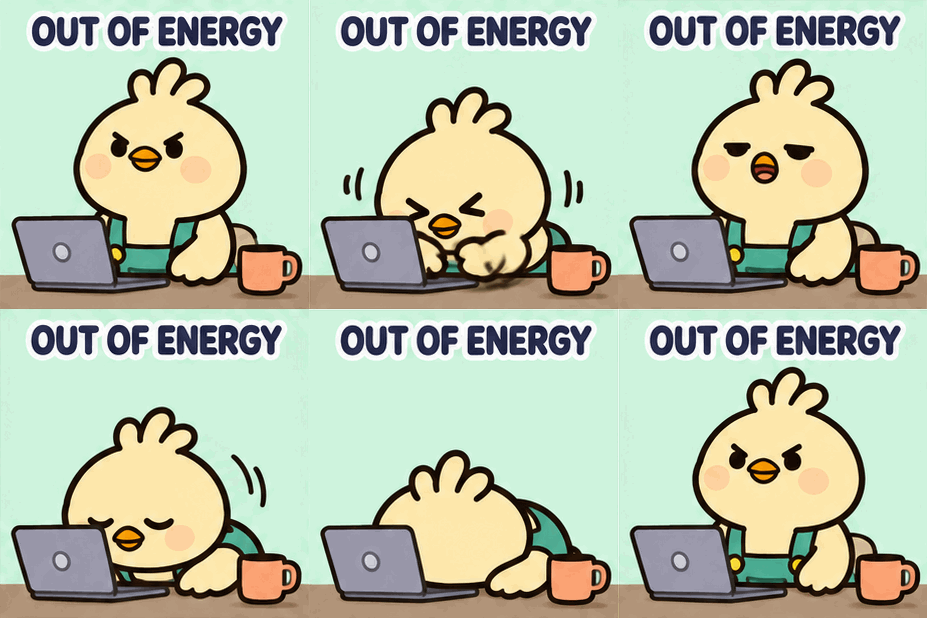
What is an Image to GIF Maker?
+
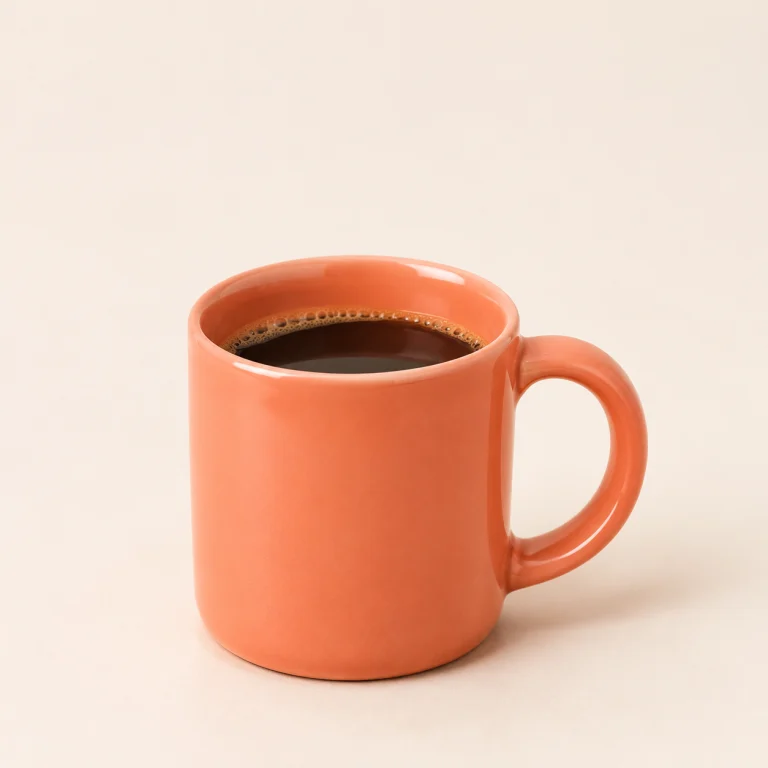
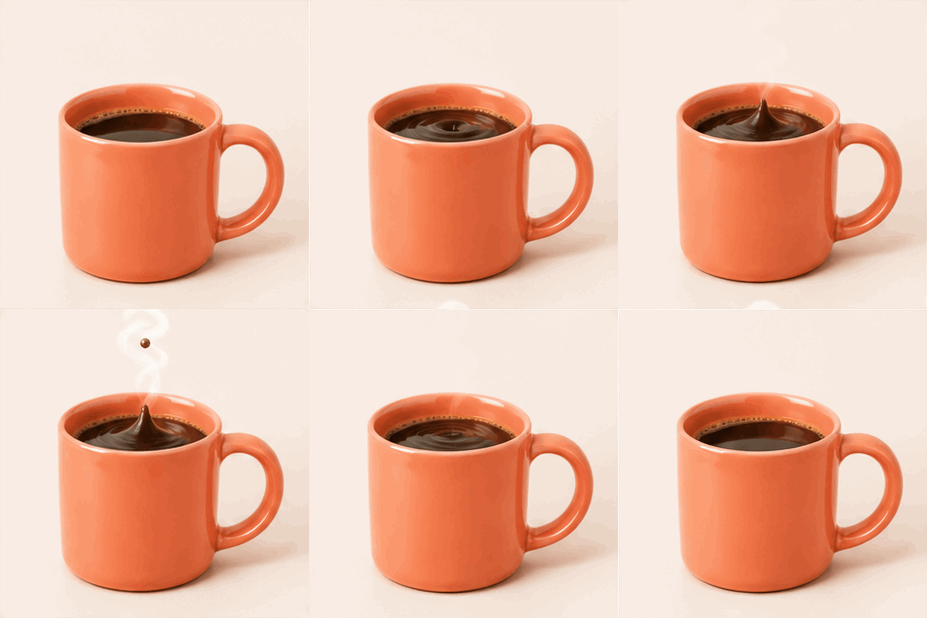
An image to GIF maker uses one still photo or illustration and a written prompt to create an animated GIF. Here, AI generates motion from your reference. You can keep the original scene or describe a new one using the same recognizable person or character. It is not a traditional tool for combining a sequence of photos.
How do I turn a picture into an animated GIF?
+
Upload one image and describe the motion or new scene. Choose a style, Flare or Sunburst, and an aspect ratio. Review the 24-credit cost, confirm permission and click Generate GIF. If prompted, sign in and click Generate GIF again. Preview the animation in History before downloading.
Can I turn a single photo into a GIF with AI?
+
Yes. One photo is the reference input; you do not need to upload a sequence of frames. AI generates new animation frames based on the photo and your instructions. A clear subject and a small, focused action are useful starting points. Uploading several images to assemble a slideshow is not supported by this tool.
What image formats can I upload?
+
Upload one JPG, PNG or WebP image up to 8 MB. Use a clear image that you own or have permission to use. The reference is processed on the server and sent to the generation provider when you generate. Avoid uploading sensitive images that you are not comfortable sharing for that processing.
Can I make a person in a photo move?
+
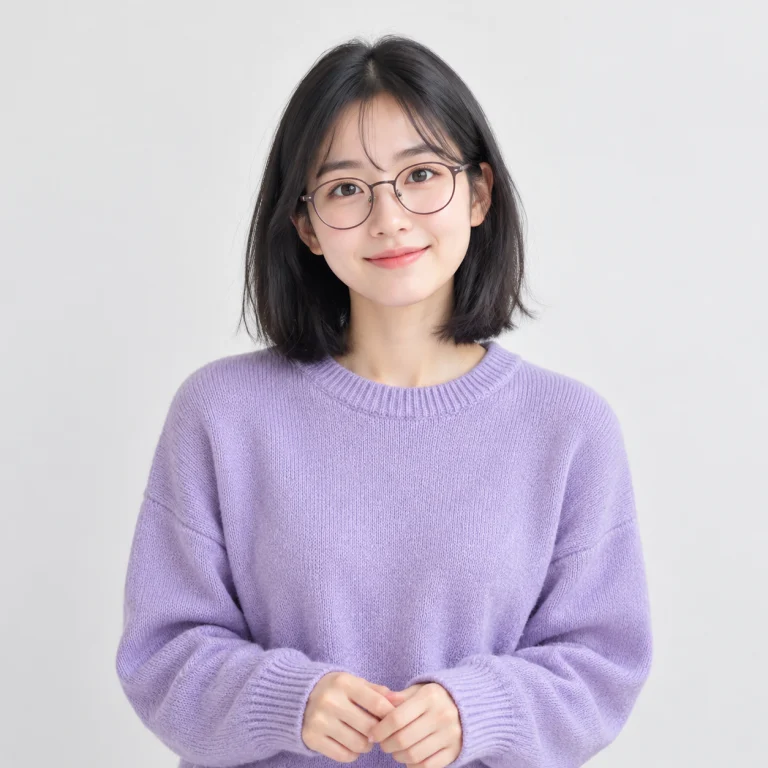
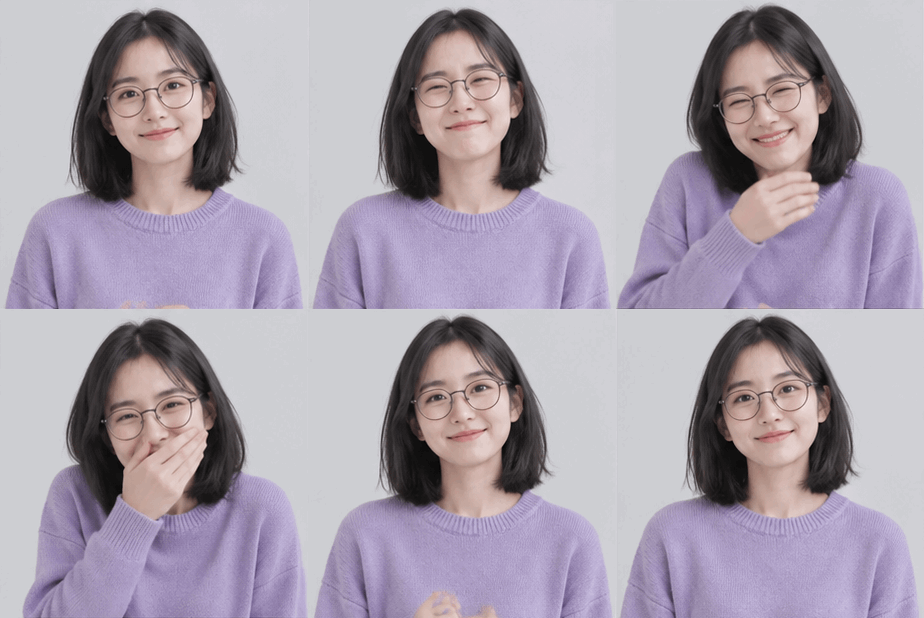
Yes. Ask for a natural blink, a slight smile, a head turn or a gentle wave. Name the facial features, hair and clothing you want to preserve, and say whether the background should remain unchanged. AI can still introduce differences, so inspect the face, hands and motion in the finished GIF.
Can I use a character reference to create a new scene?
+
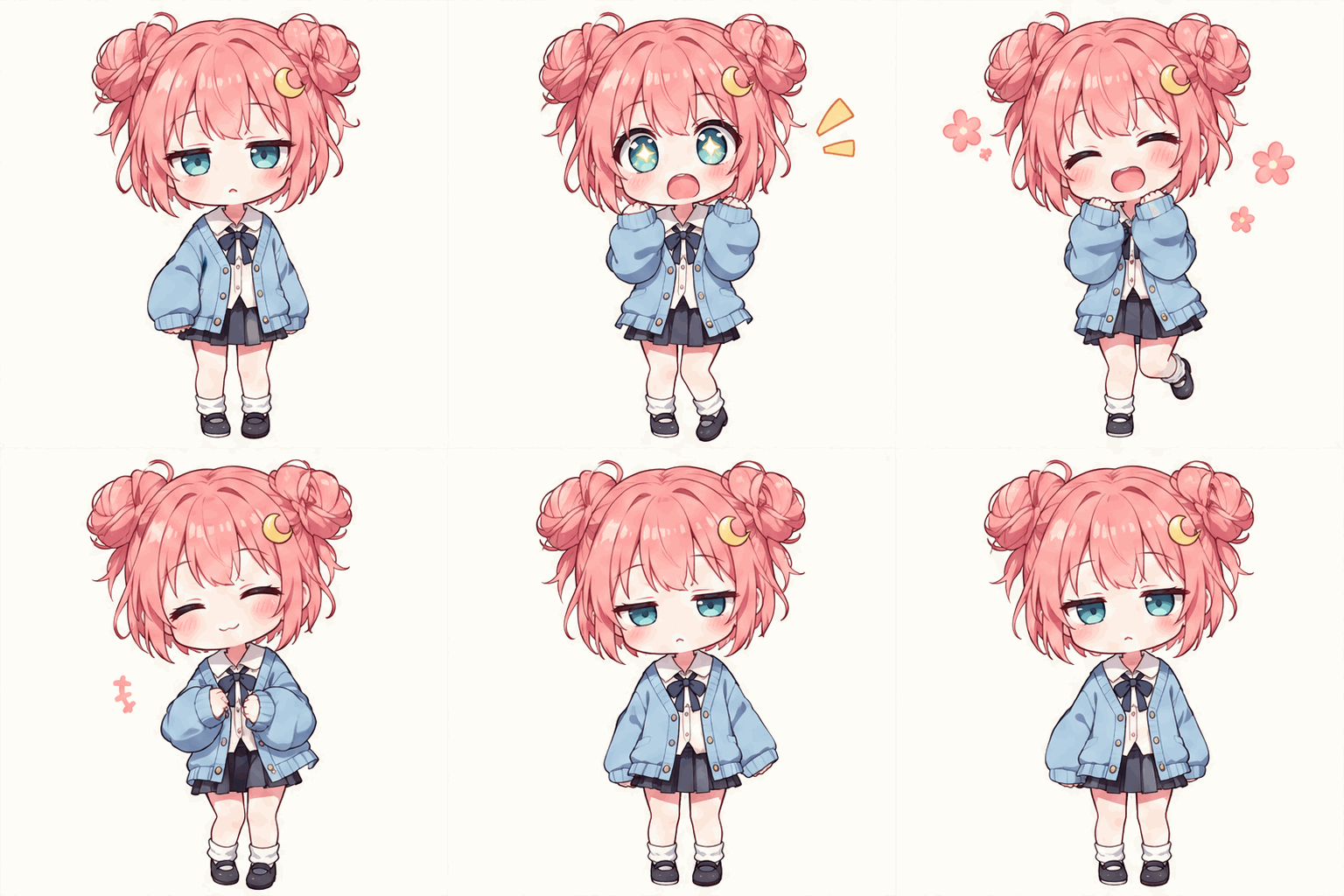
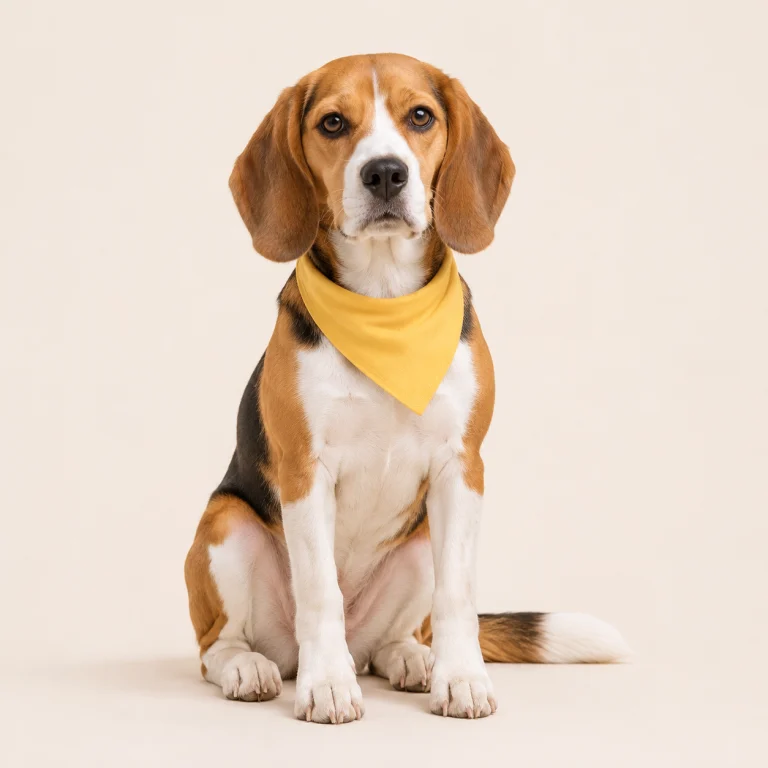
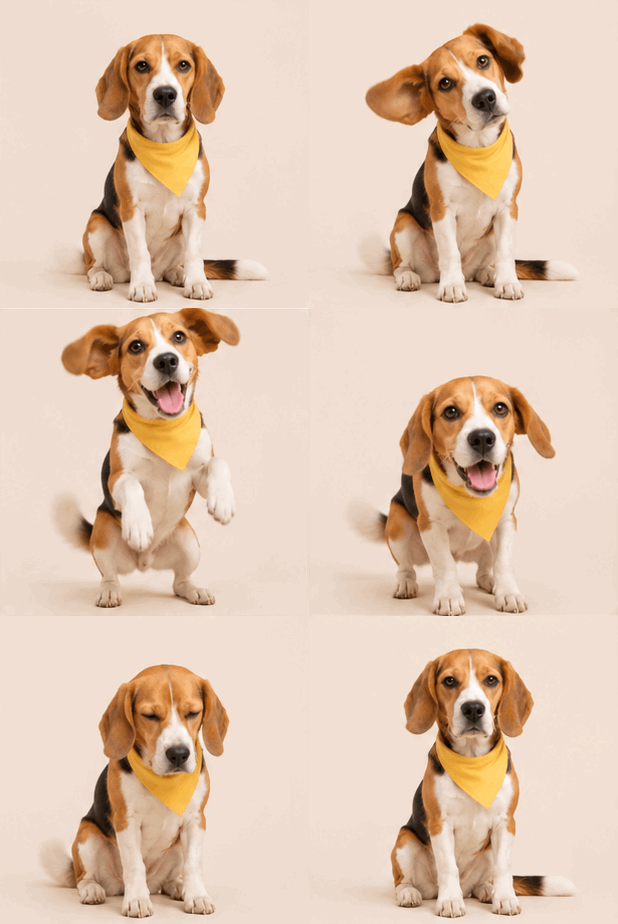
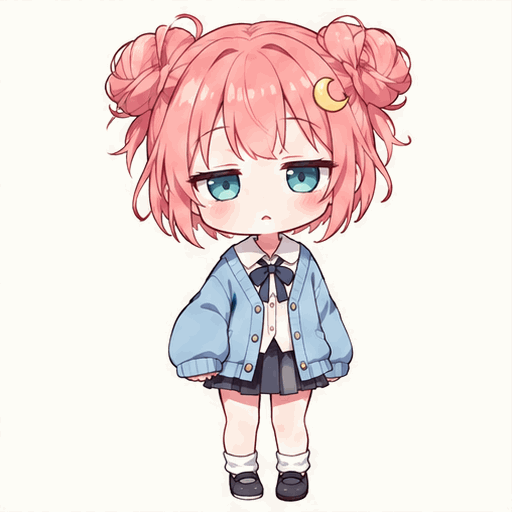
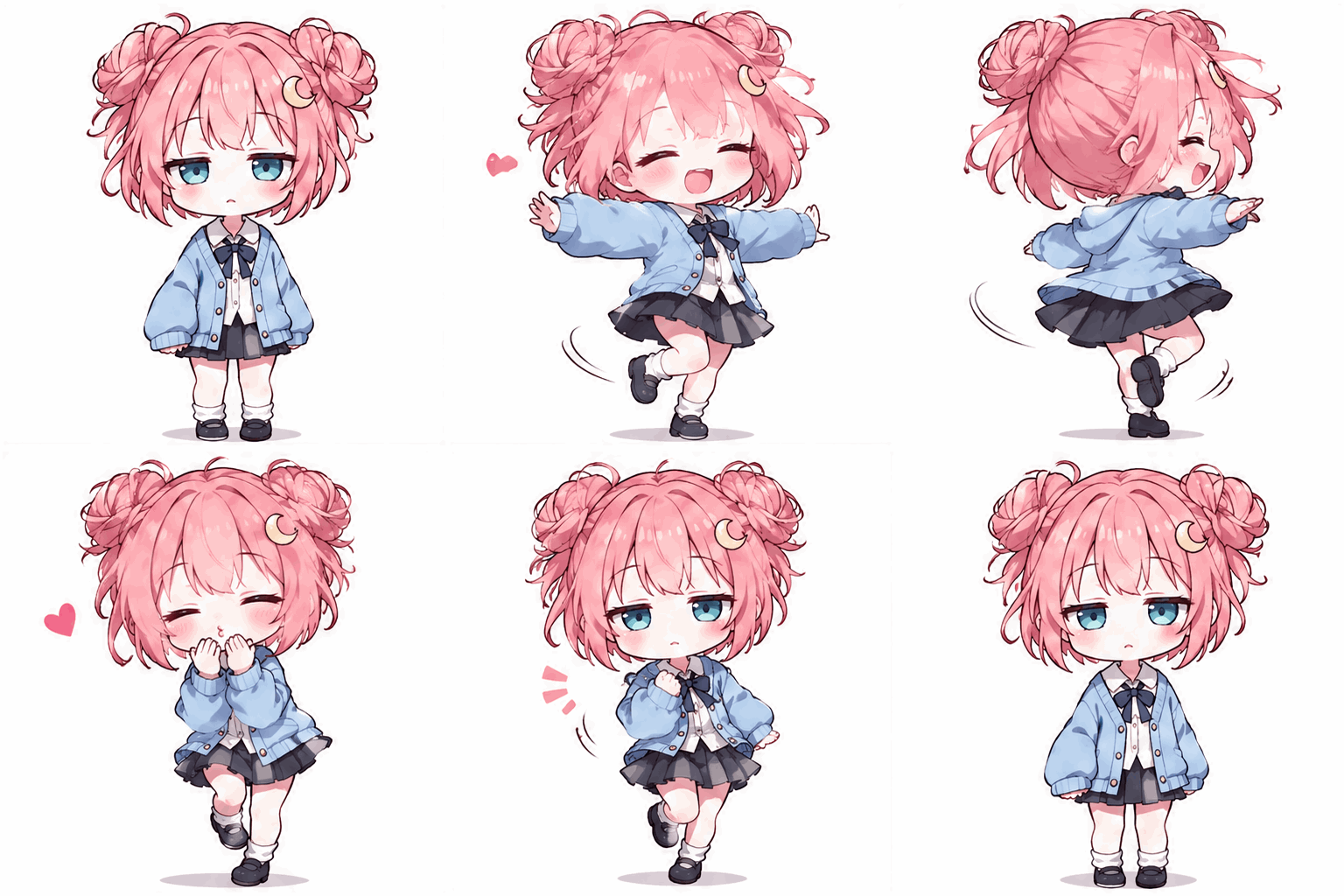
Yes. Use the uploaded image as a character reference and describe a different setting, pose or action. Tell AI which features should stay recognizable, such as the hairstyle, outfit, colors and illustration style. This is a prompt-based approach to generating a new composition; it does not lock a face or guarantee exact character identity.
Can I create different GIFs using the same character reference?
+
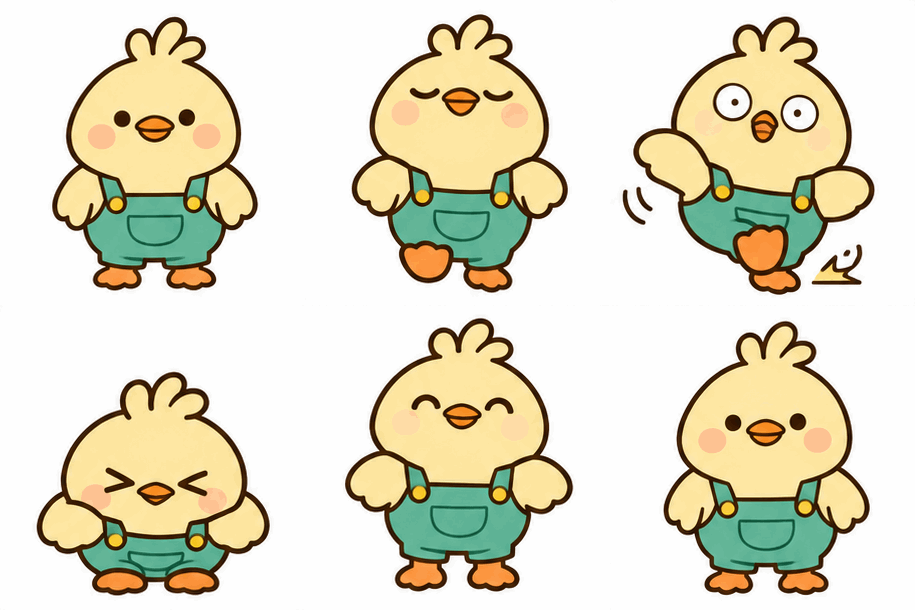
Yes. Reuse the same reference image and change the requested action or environment for each generation. Keep your description of the character’s defining features consistent. Each generation uses credits and can vary in appearance. Review the separate results before treating them as a consistent character series.
Can I animate an illustration or cartoon character?
+
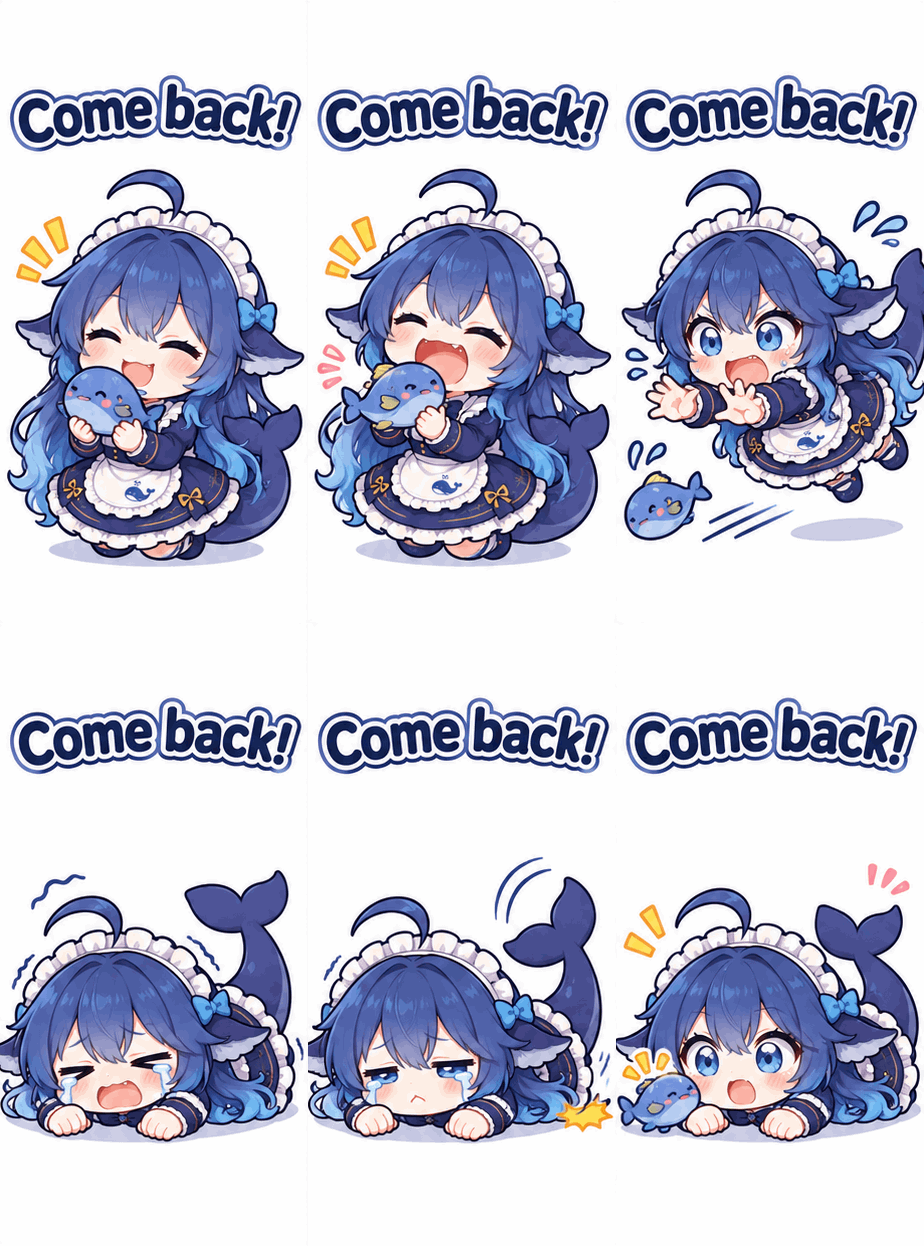
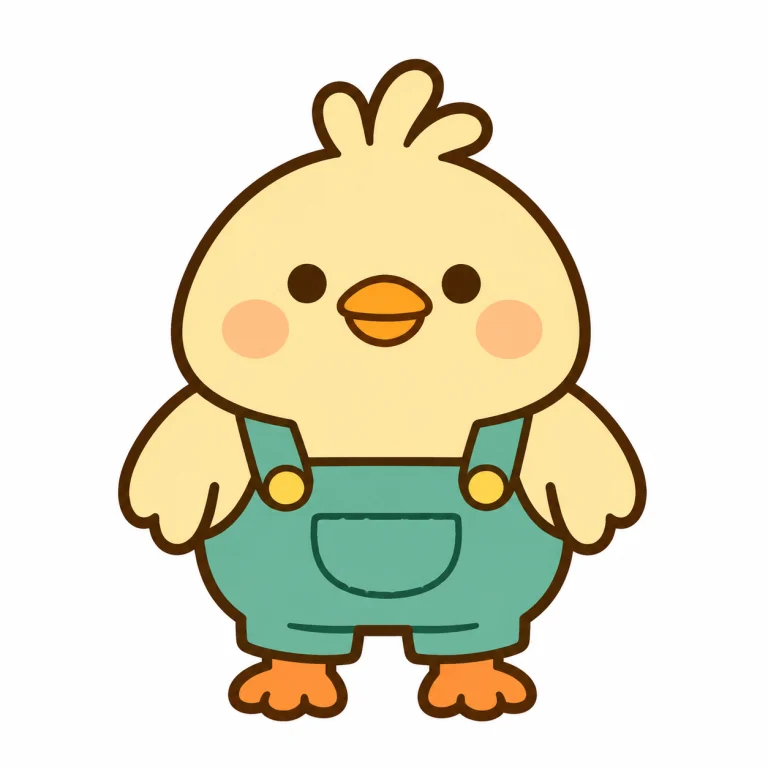
Yes. Upload a clean illustration or cartoon reference, then describe one action. Auto style lets the source image and prompt guide the appearance. Name the linework, palette, silhouette and proportions to preserve. More elaborate gestures or a different visual style can change the character, so review the generated frames.
Can AI preserve the original person’s appearance?
+
The reference and your prompt guide recognizable features, but preservation is not exact or guaranteed. Faces, hair, clothing, fingers and small details may change. A clear source and modest motion can make the task more focused. Check the actual result, and avoid relying on generation for identity-critical or exact product representations.
Can I change the background or pose while keeping the same character?
+
You can request both in a character-reference prompt. Describe the new environment and one clear action, then specify the facial features, hairstyle, clothing and style to keep. Do not also ask to preserve the entire original composition if your goal is a different scene. The output may still vary from the reference.
Can I control which parts of the image move?
+
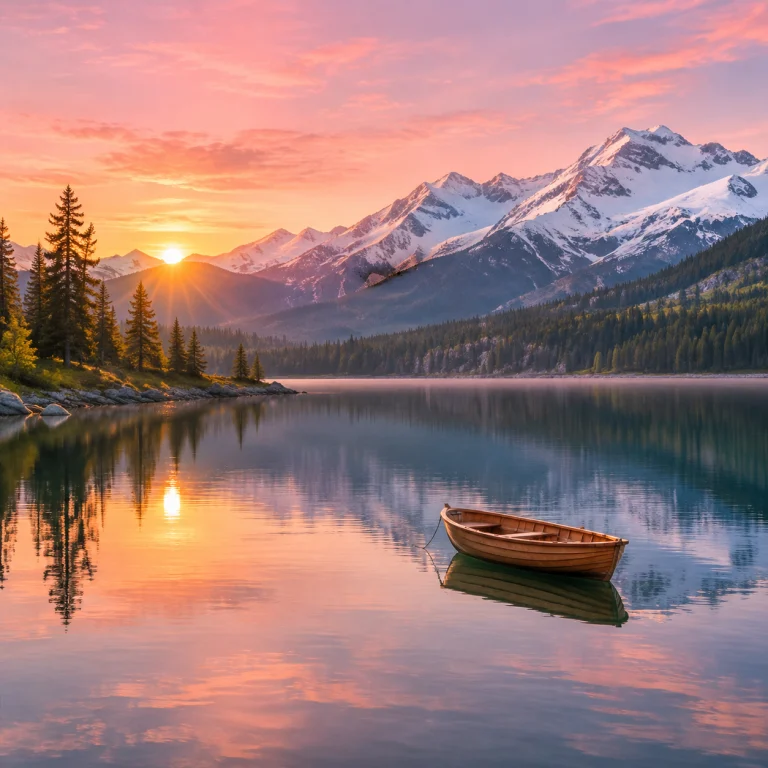
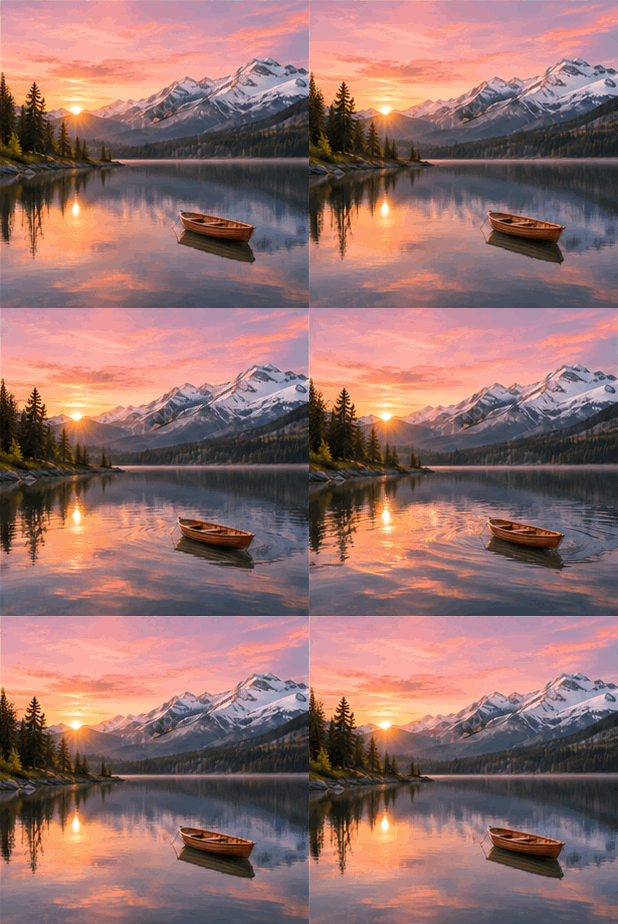
You can guide the result in words: for example, “move the clouds, keep the mountains still, fixed camera.” This editor does not offer motion masks or precise per-region controls. AI interprets the instructions, so unintended movement can appear. Start with one moving element and inspect the result.
What is the difference between animating the original image and creating a new scene from a reference?
+
Animating the original image aims to keep the scene and composition while adding movement. A character-reference GIF uses the subject’s recognizable appearance to guide a different setting, pose or action. Both start with one uploaded image. Describe your intended approach in the prompt, or use a starting prompt from the two approaches or example cards.
Does the tool generate an actual GIF file or a video?
+
Download an animated GIF from the result panel after generation. Check the downloaded file for its actual pixel dimensions.
Can I download my generated GIF?
+
Yes. Download a completed GIF from the result panel. Check its animation, dimensions and file size before sharing it, since platforms have different upload limits. You can also download the editorial examples below their case cards. Generated results are not guaranteed to have a perfect loop or exact reference preservation.
Is the Image to GIF Maker free to use?
+
New accounts receive 22 free signup credits. Each Image to GIF generation costs 24 credits, so you need additional credits before your first image generation. You can use the signup credits to try Text to GIF instead. The editor shows your balance and generation cost.